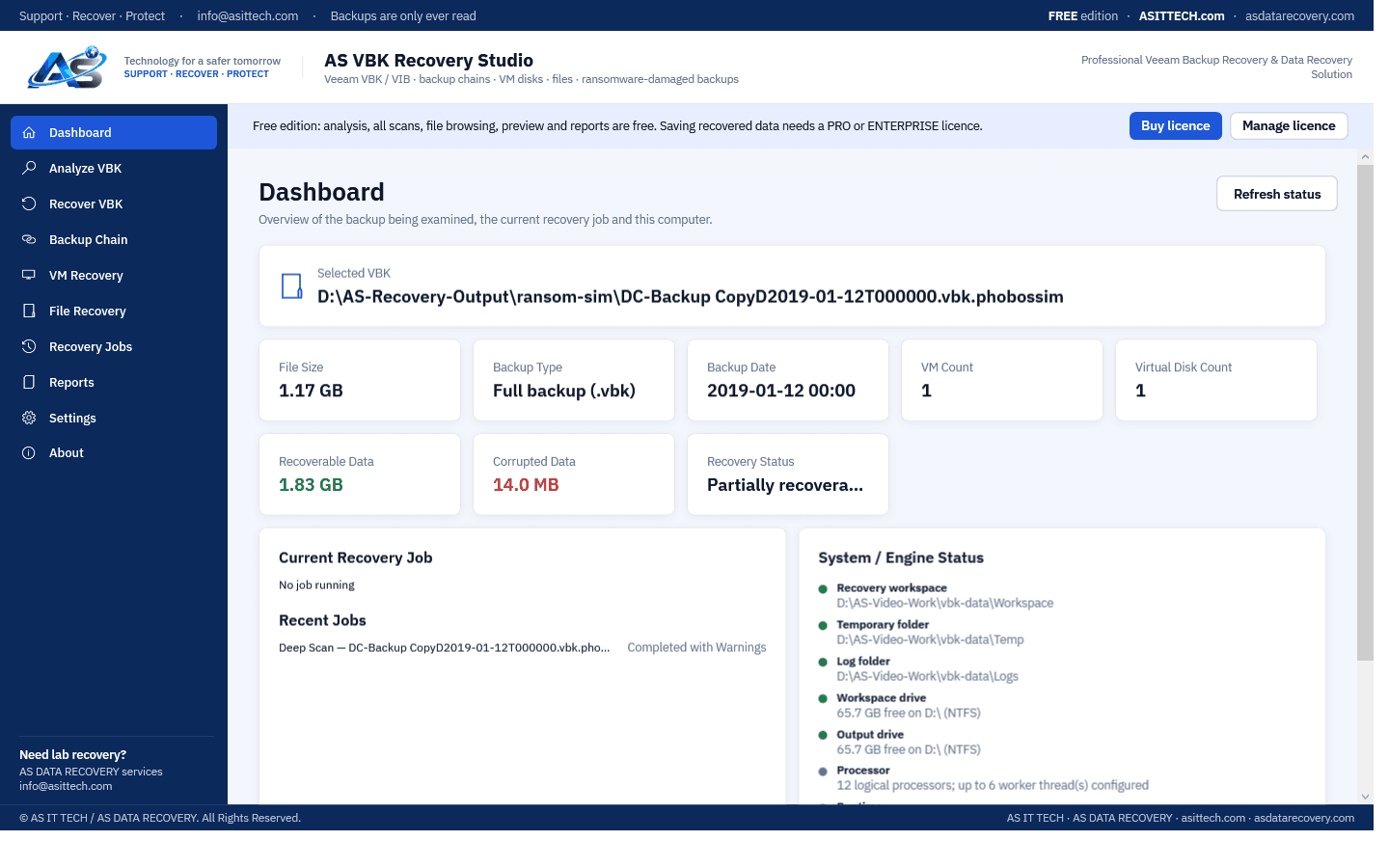
AS VBK Recovery Studio
Recover VMs, disks and files from damaged, incomplete and ransomware-hit Veeam backups (.vbk / .vib).
Professional data recovery software for Windows, developed by AS in our own recovery lab: files and drives, RAID and NAS, SQL Server and Oracle databases, VMware virtual disks and Veeam backups. Try before you buy: every trial shows what can be recovered.
Recover VMs, disks and files from damaged, incomplete and ransomware-hit Veeam backups (.vbk / .vib).
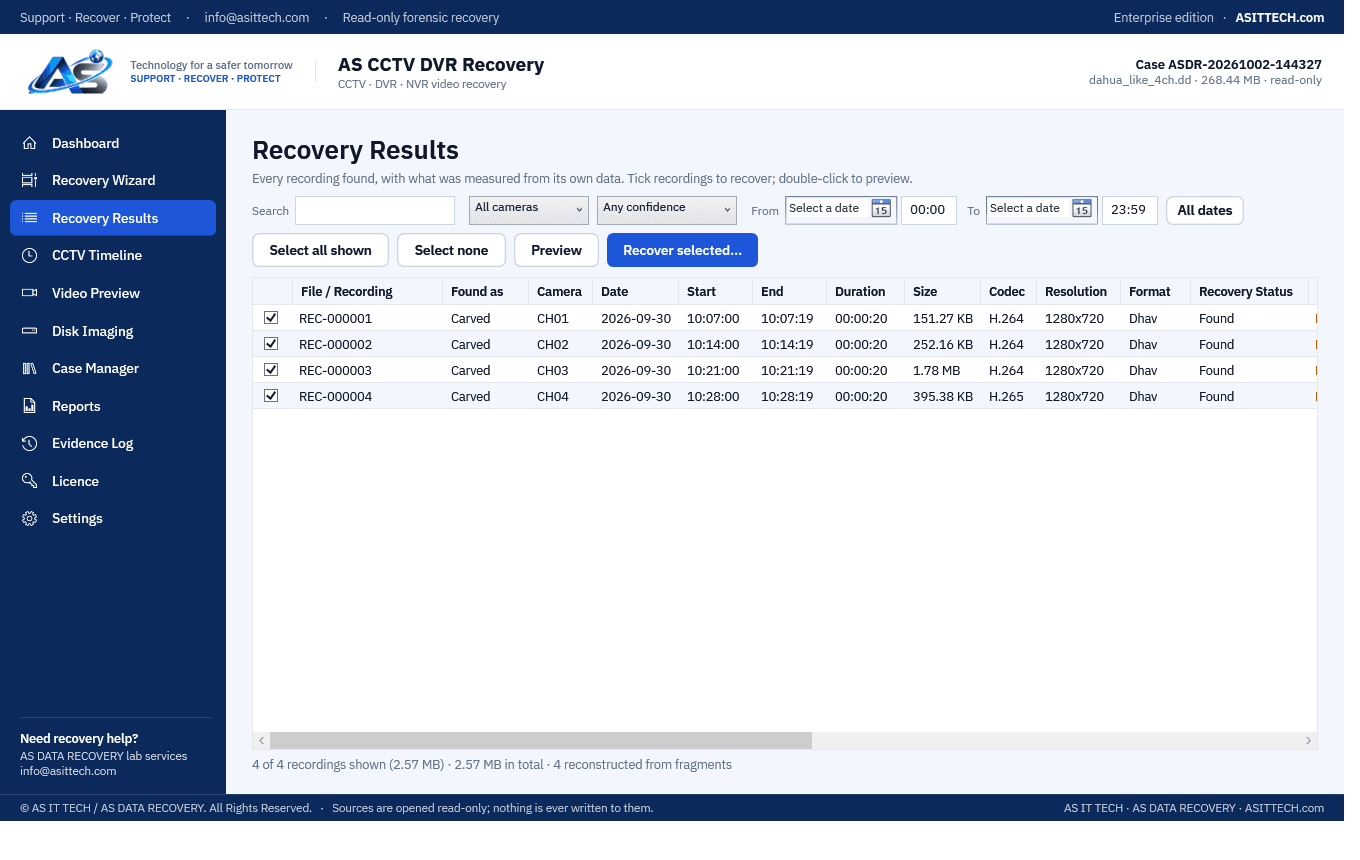
Recover CCTV footage from damaged, deleted, formatted or unreadable DVR / NVR disks, SD cards and disk images.
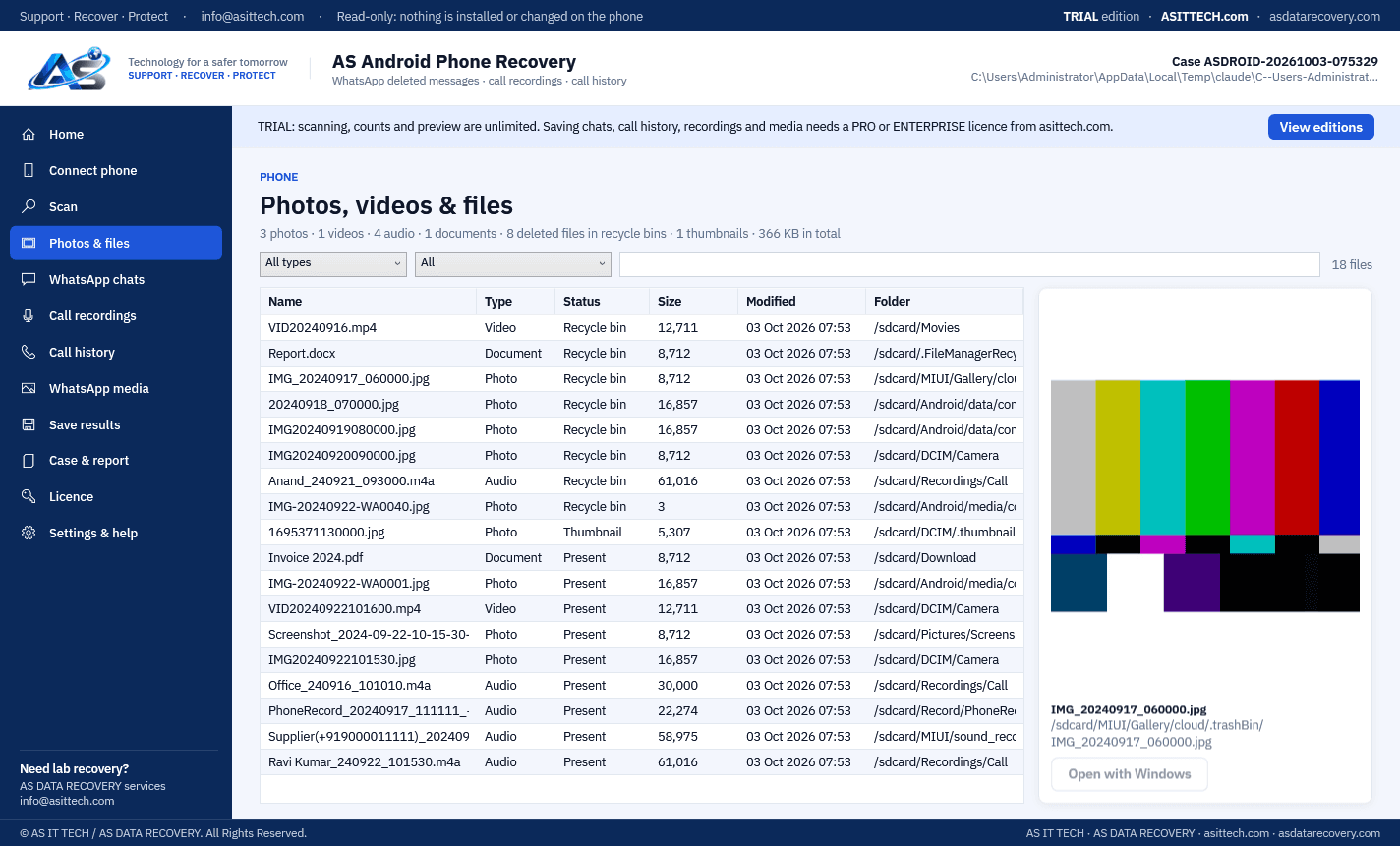
Recover photos, videos and files, WhatsApp chats and deleted messages, call recordings and call history from Android phones.
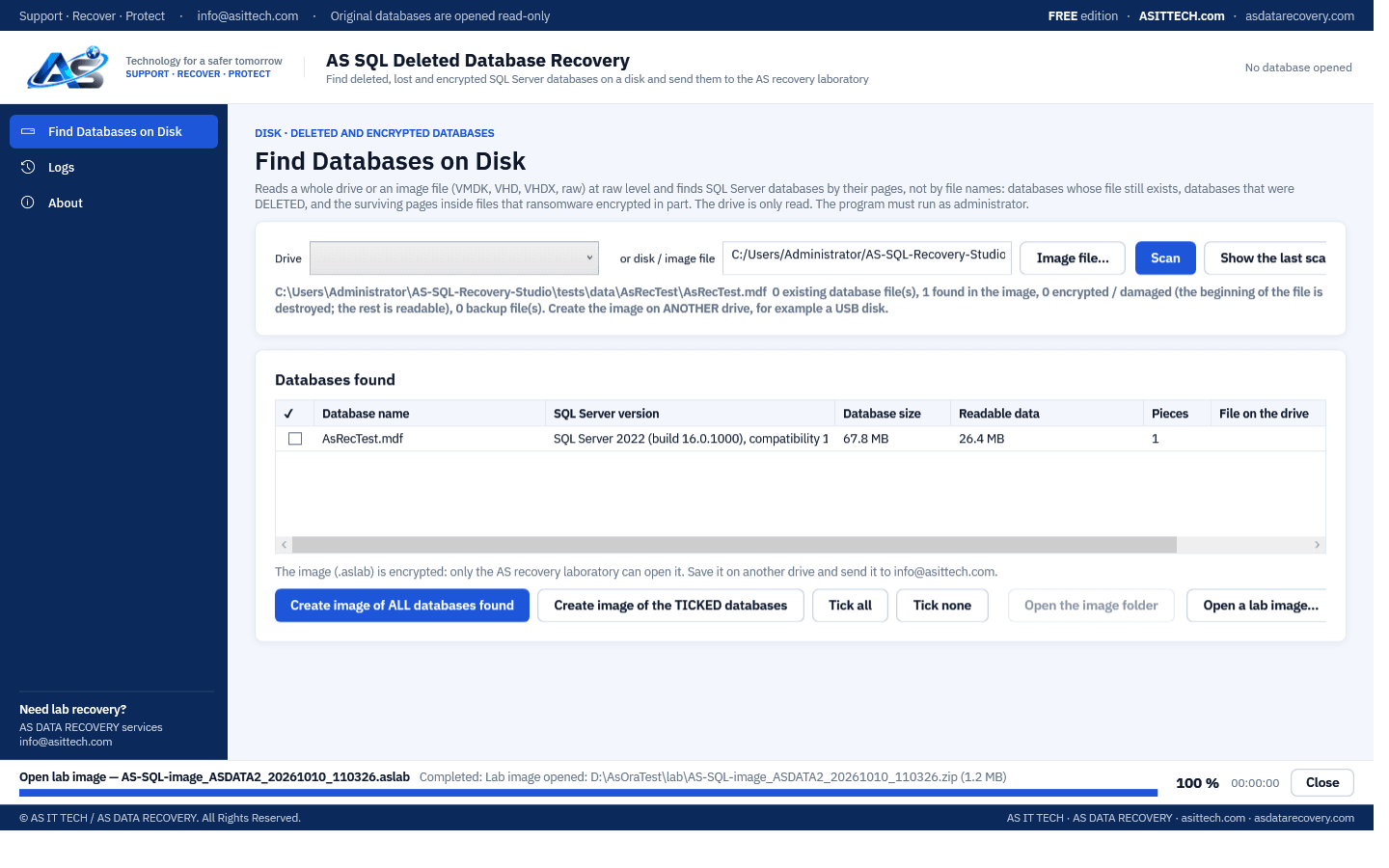
Free tool: find deleted, lost and ransomware-encrypted SQL Server databases and backups on a drive or a virtual disk, and send them to our recovery laboratory as one encrypted image.
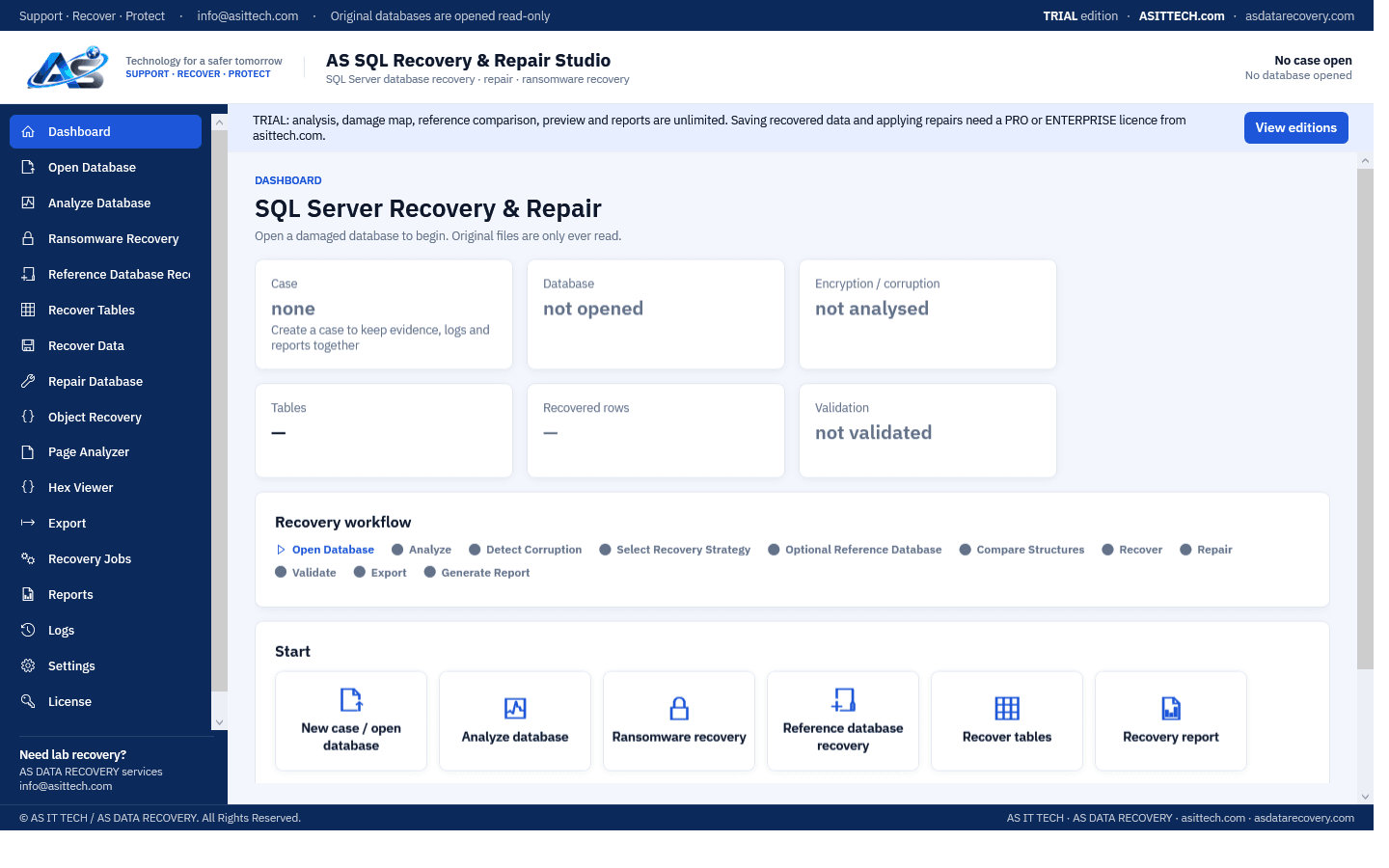
Recover and repair damaged, corrupted and ransomware-encrypted SQL Server databases (MDF / NDF) — table by table, row by row.
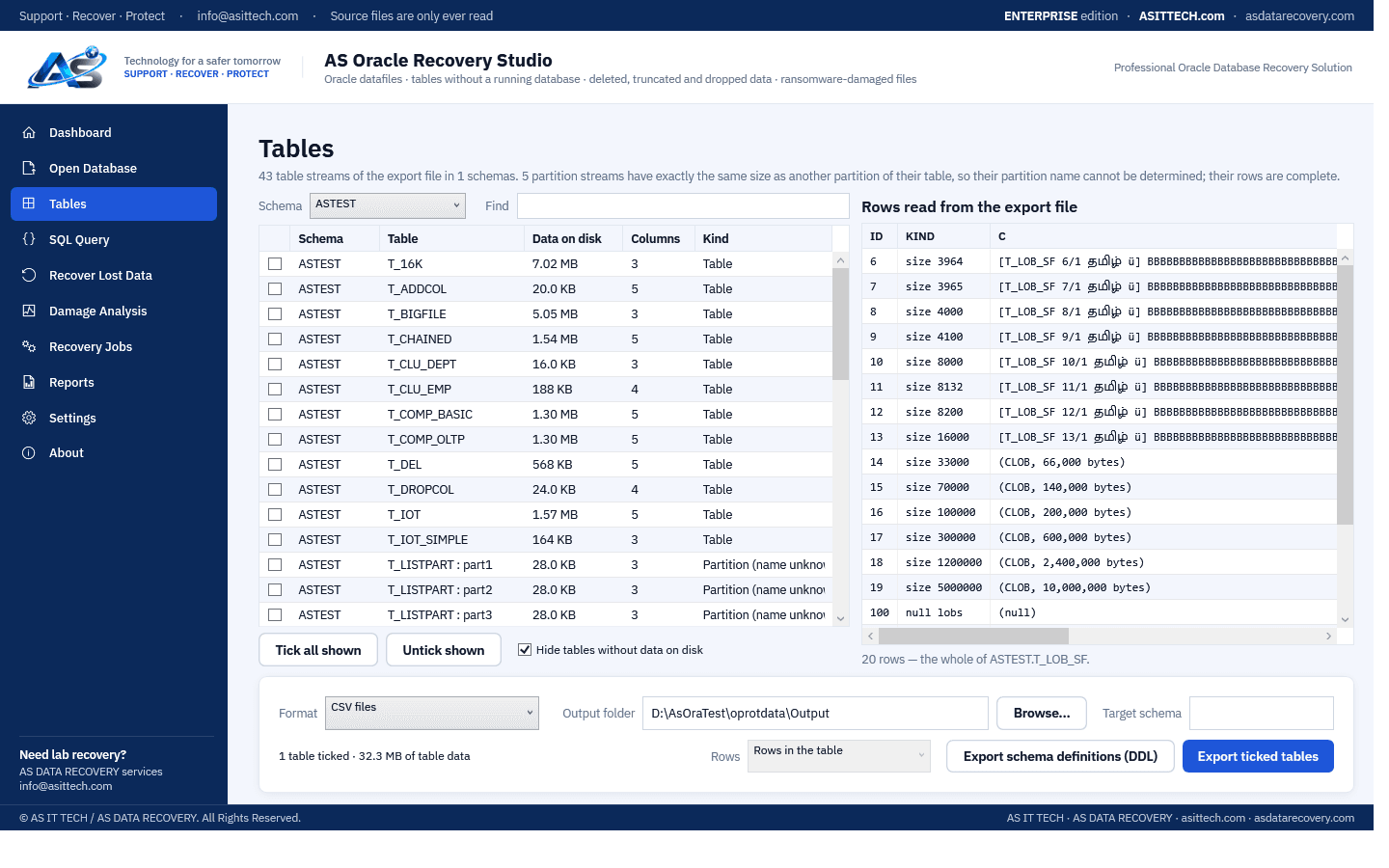
Recover tables and rows from Oracle datafiles and Data Pump export files that will not open — damaged, dropped, truncated or hit by ransomware.
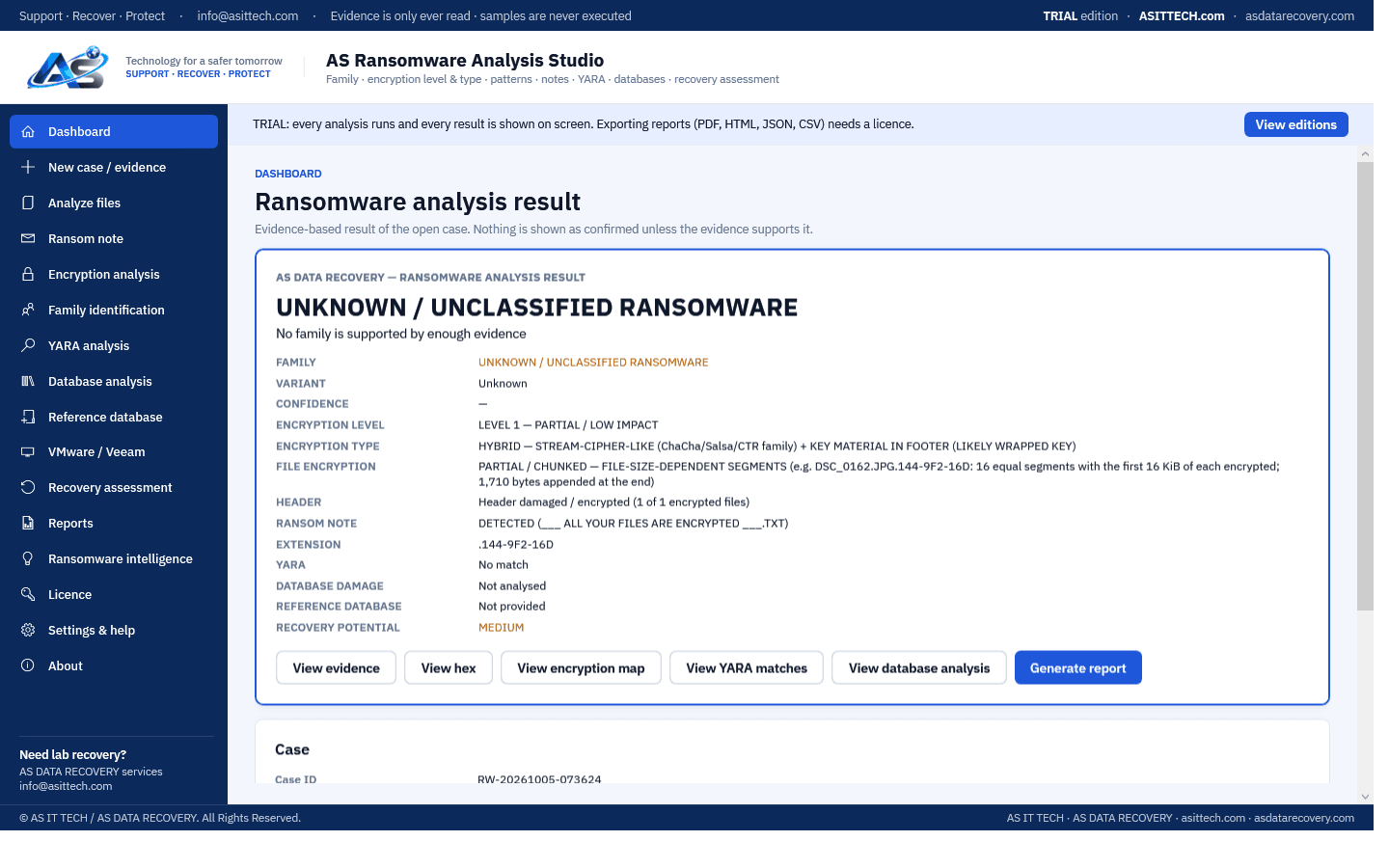
Identify the ransomware, measure how your files were encrypted, and assess what can be recovered — with the evidence for every conclusion.
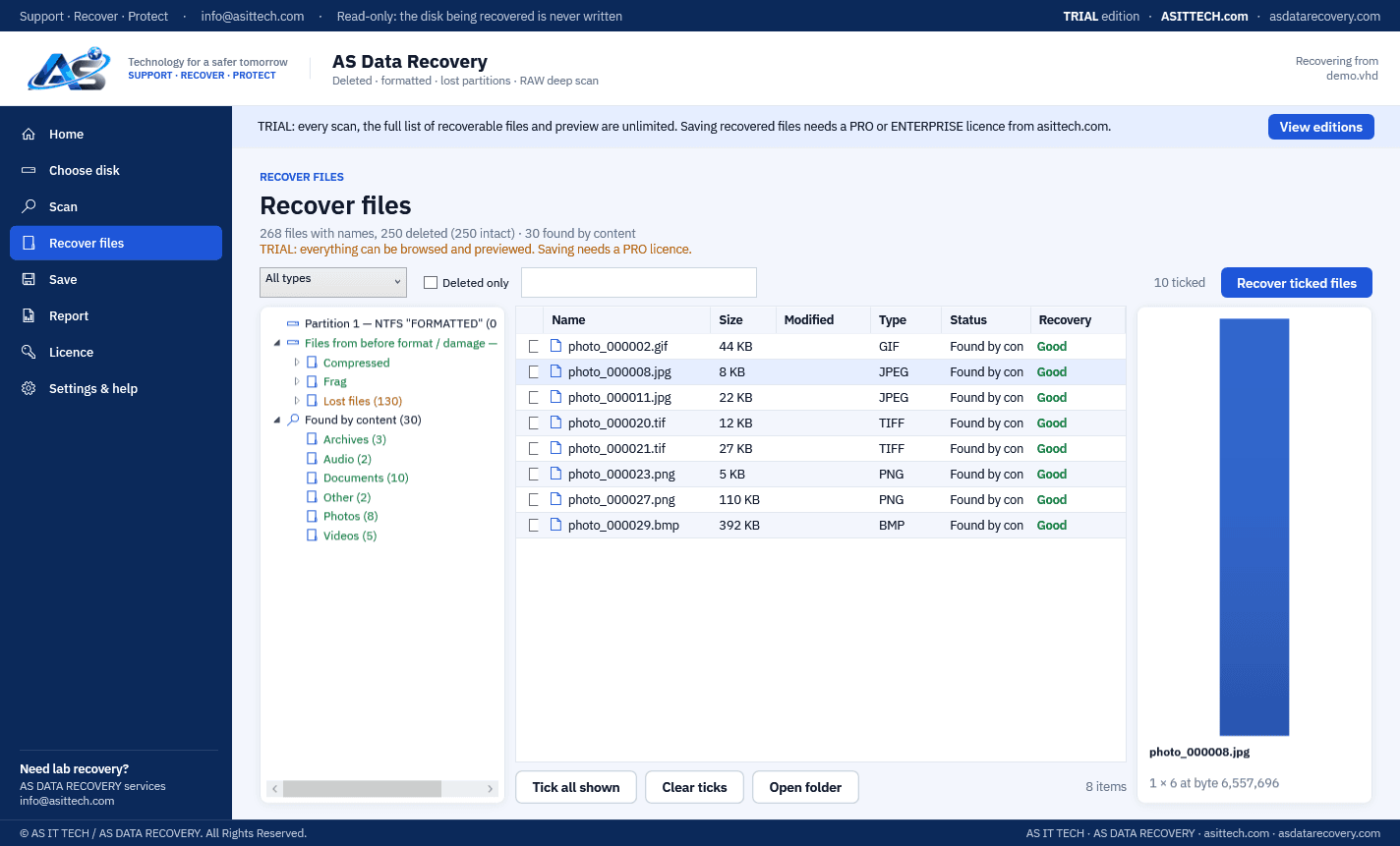
Recover deleted, formatted and lost files and partitions from hard disks, SSDs, USB drives, memory cards, disk images and virtual disks.
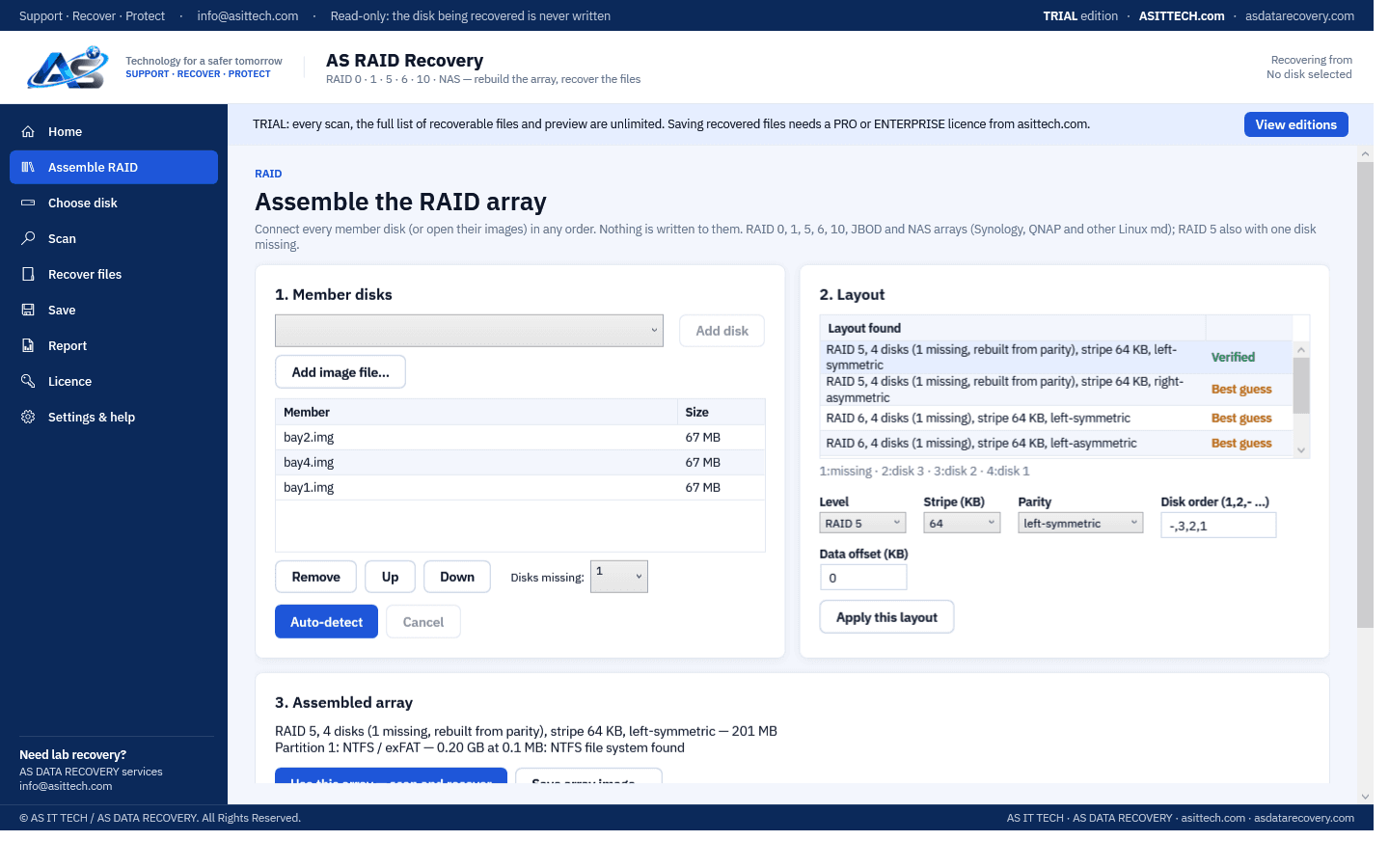
Rebuild RAID 0, 1, 5, 6, 10 and NAS arrays from their member disks or images — automatically — and recover the files on them.
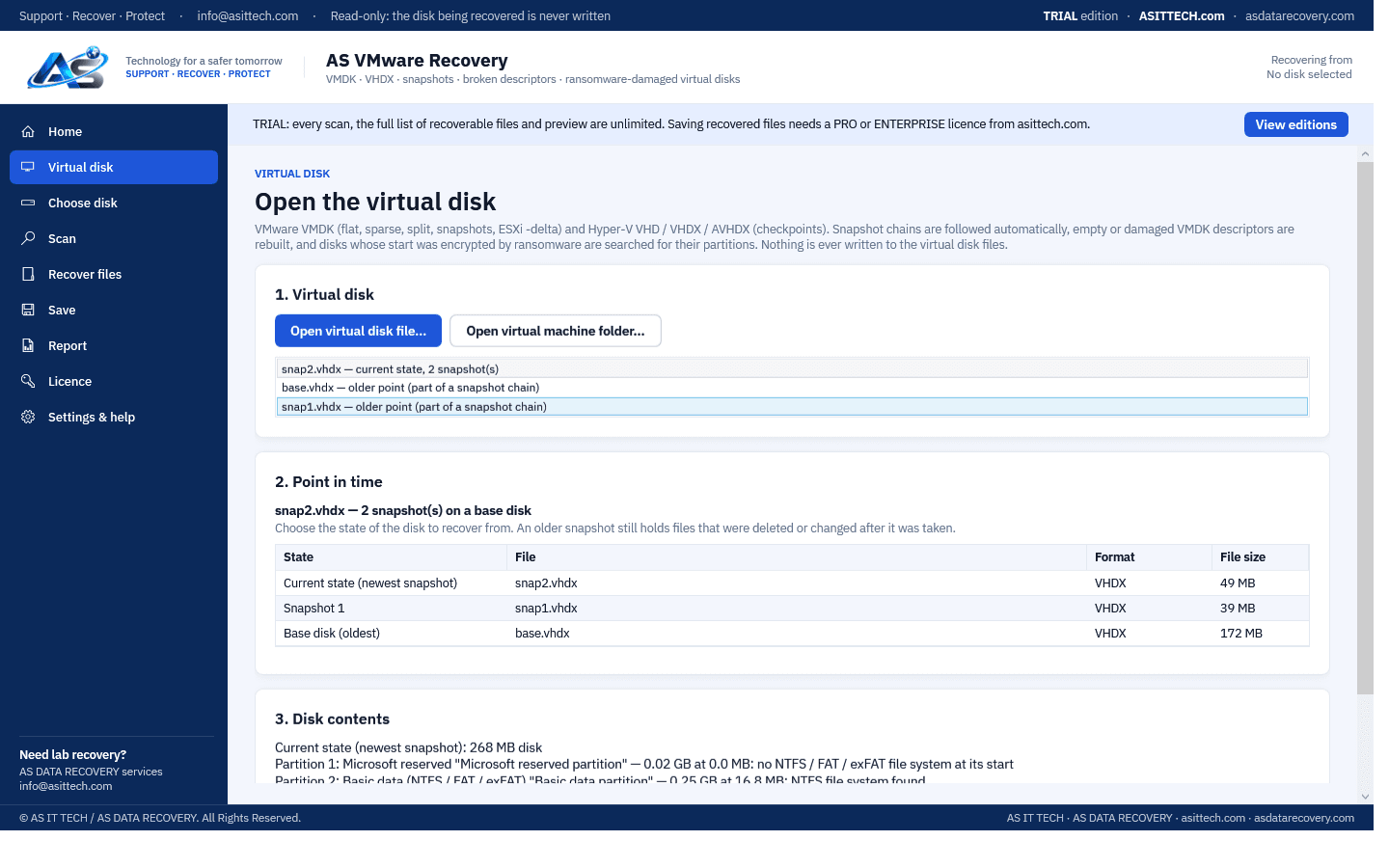
Recover files from VMware VMDK and Hyper-V VHD/VHDX virtual disks — snapshot chains, broken descriptors and ransomware-damaged disks included.
Measure how much of a partially encrypted file is genuinely intact.
Repair PDF files that won't open by rebuilding the damaged cross-reference table.
Repair ransomware-corrupted JPEGs using a known-good reference photo.
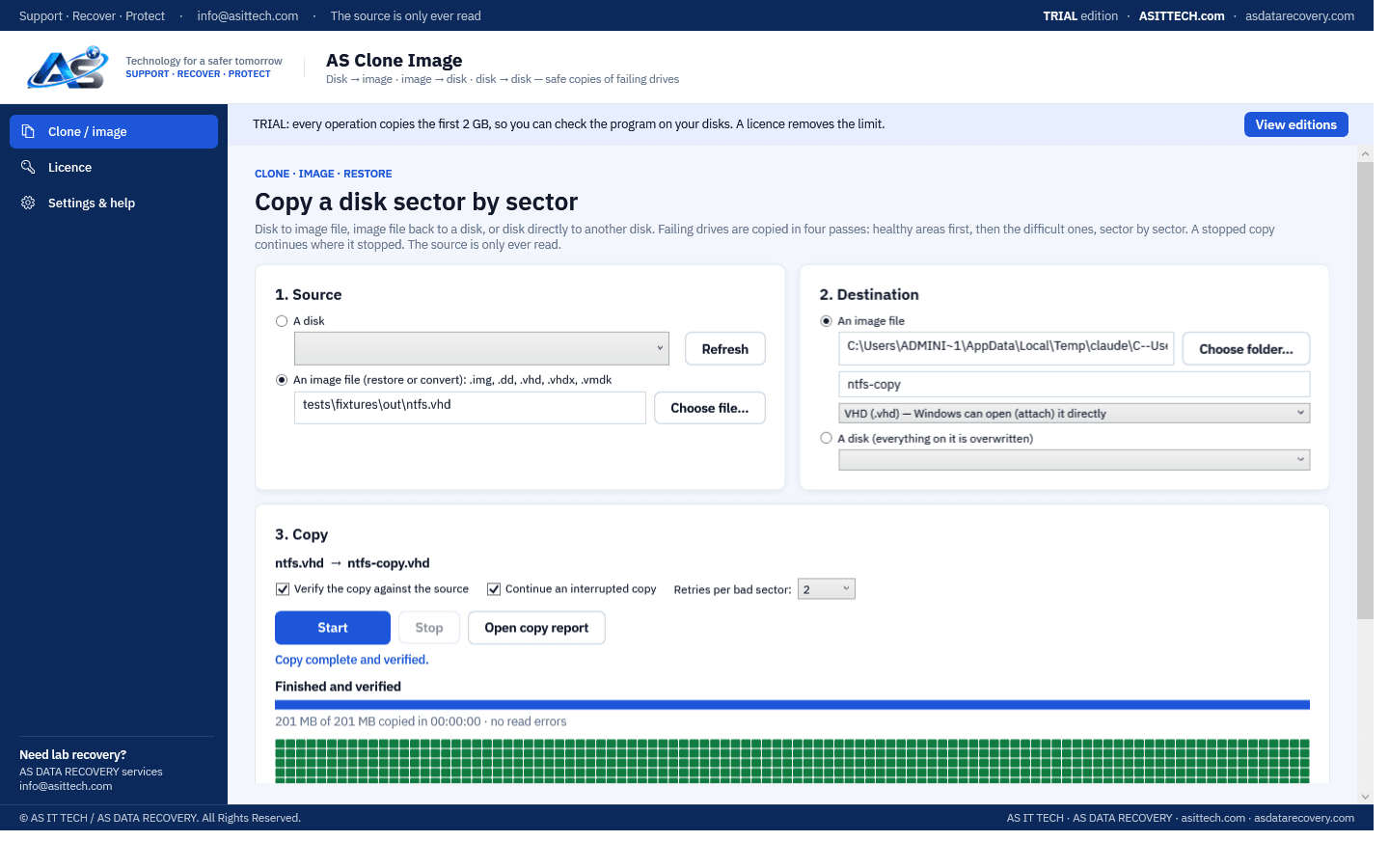
Clone a drive, back it up to an image file, or restore an image — with four-pass rescue for drives that are starting to fail.
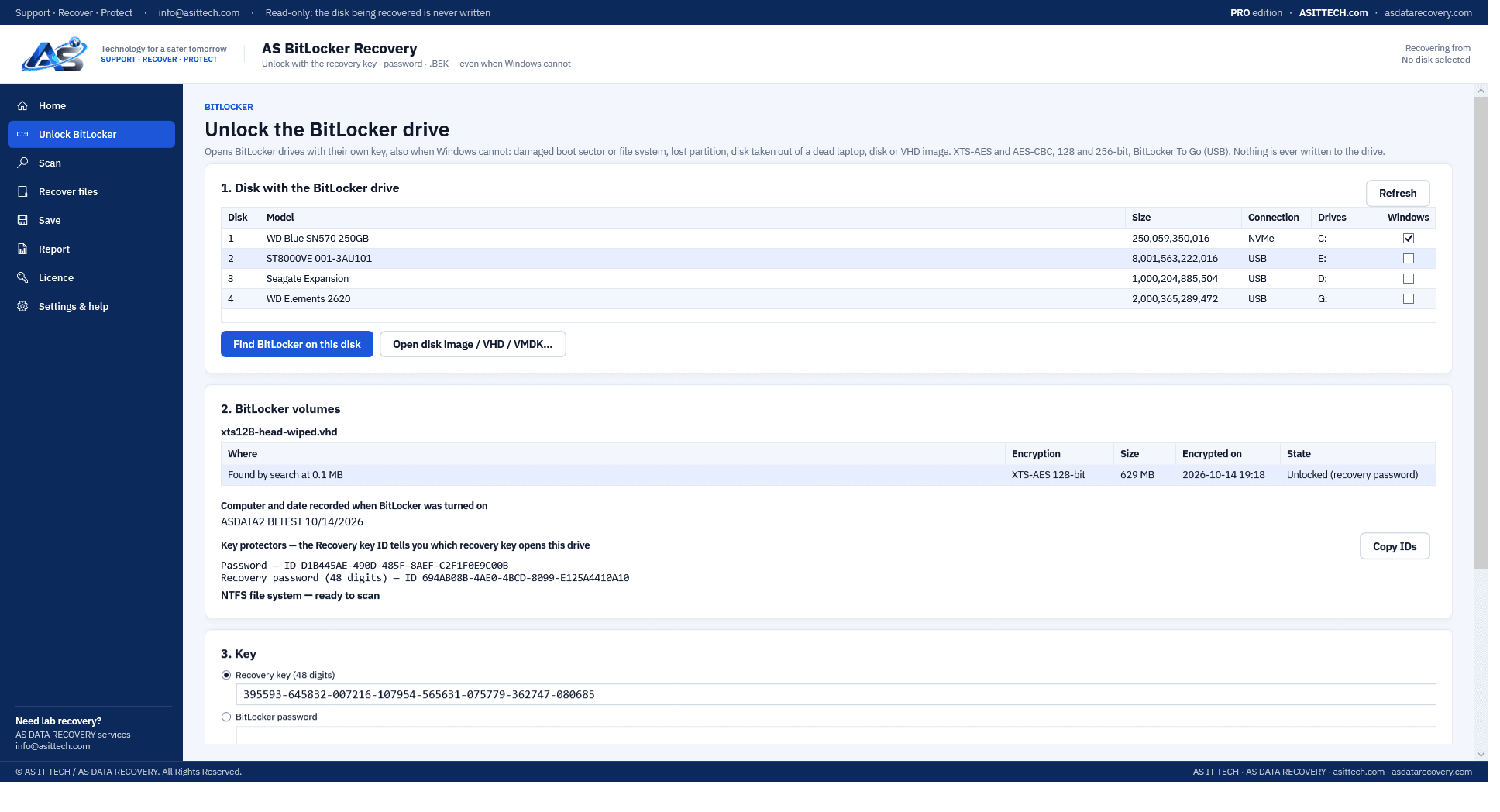
Unlock a BitLocker drive with its recovery key, password or .BEK file — also when Windows cannot — and recover the files.
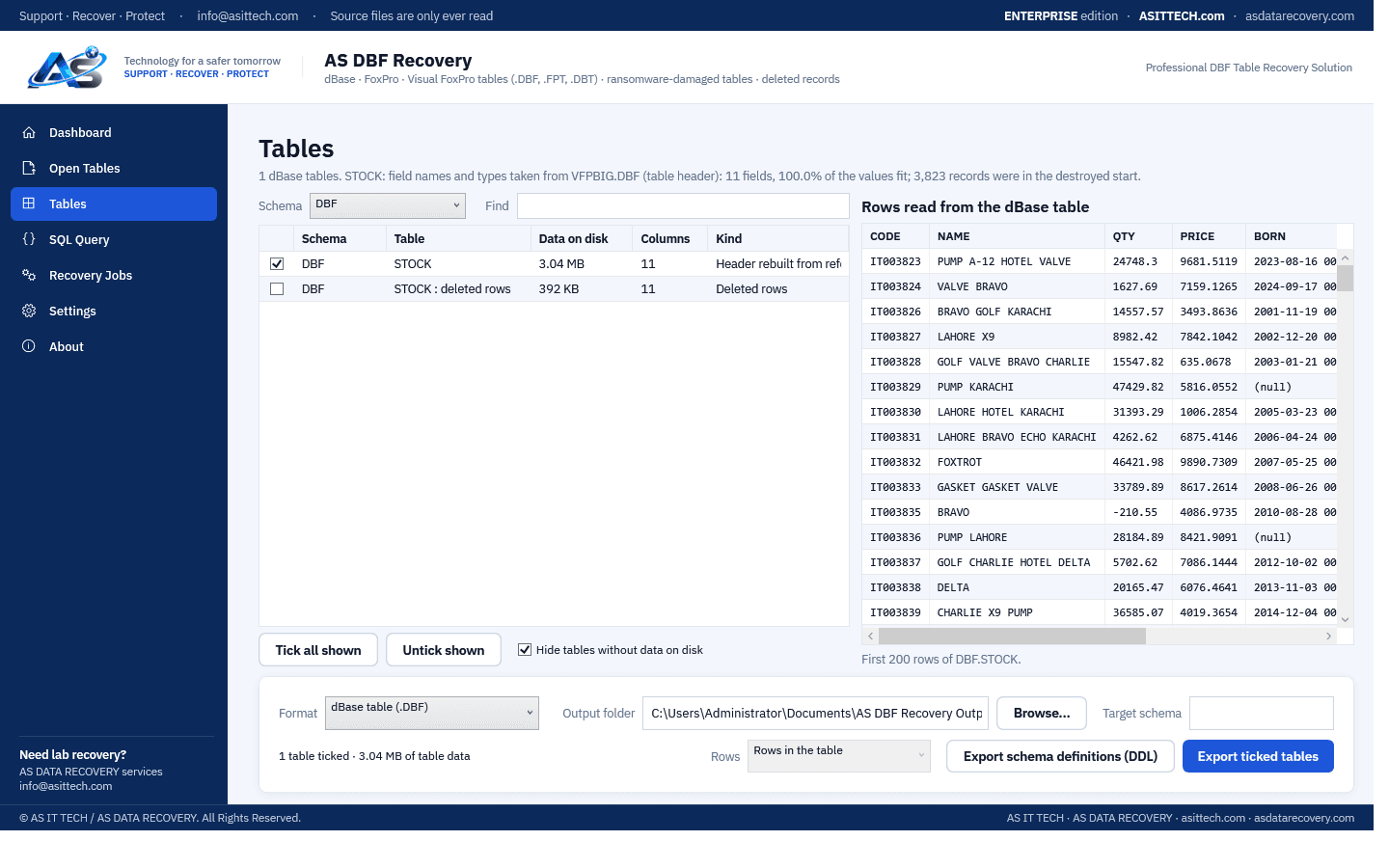
Recover dBase, FoxPro and Visual FoxPro tables (.DBF) that will not open — damaged, deleted records, or hit by ransomware.
Each program is built for one kind of loss. Every one scans read-only and shows what it found before you buy.
Data recovery software scans a drive that the computer can still detect and read, finds files, partitions or database contents that are deleted, lost or damaged, and copies what is recoverable to another drive. It works on logical damage: deletion, formatting, corruption and partial encryption. It cannot repair a drive with a mechanical or electronic fault.
AS Data Recovery has a free edition with no time limit: it runs every scan and previews every file it finds, and a licence is needed only to save the recovered files. AS SQL Deleted Database Recovery is completely free. The other products have free trials that show what can be recovered before you buy.
Use the program built for that structure: AS RAID Recovery for RAID and NAS arrays, AS SQL Recovery and Repair Studio for SQL Server databases, AS VMware Recovery for VMDK and VHDX virtual disks, and AS VBK Recovery Studio for Veeam backups. General file recovery software does not understand these formats.
No. Software can only read a drive the system detects. A drive that is not detected, clicks, grinds or keeps disconnecting has a physical fault and needs lab repair first. Running scans on it can make the damage worse.
No. AS recovery software opens the source read-only and saves recovered data to a different drive that you choose.
The programs run on 64-bit Windows 10 and Windows 11 and on Windows Server 2016 and later. The system requirements are listed on each product page.
Guides: recover permanently deleted files in Windows · what free data recovery software can and cannot do · how to choose data recovery software
Every product is available as Professional or Enterprise. Enterprise includes everything.
Compare editionsFull recovery features for a single technician or organization.
Everything in Professional, plus higher activation limits, commercial recovery use and priority support.
Specialised tools by category. Product pages, downloads and pricing for each are being added.
Physically failed media and complex incidents need a service engagement. Start with an assessment.